playnow safety, KYC, withdrawal review windows and dispute channels.
A short walk through what the operator publishes about verification, payments, account protection and disputes, with the limits of editorial verification called out.
playnow publishes the document types the verification flow uses. We summarise what to expect, not what the operator stores.
- Identity proof, typically a government-issued photo ID. Verify on the help centre.
- Address proof, typically a recent utility or bank statement. Verify on the help centre.
- PAN for withdrawals, required for cumulative withdrawals above a published threshold.
- Video check, reserved for unusual activity or larger withdrawals.
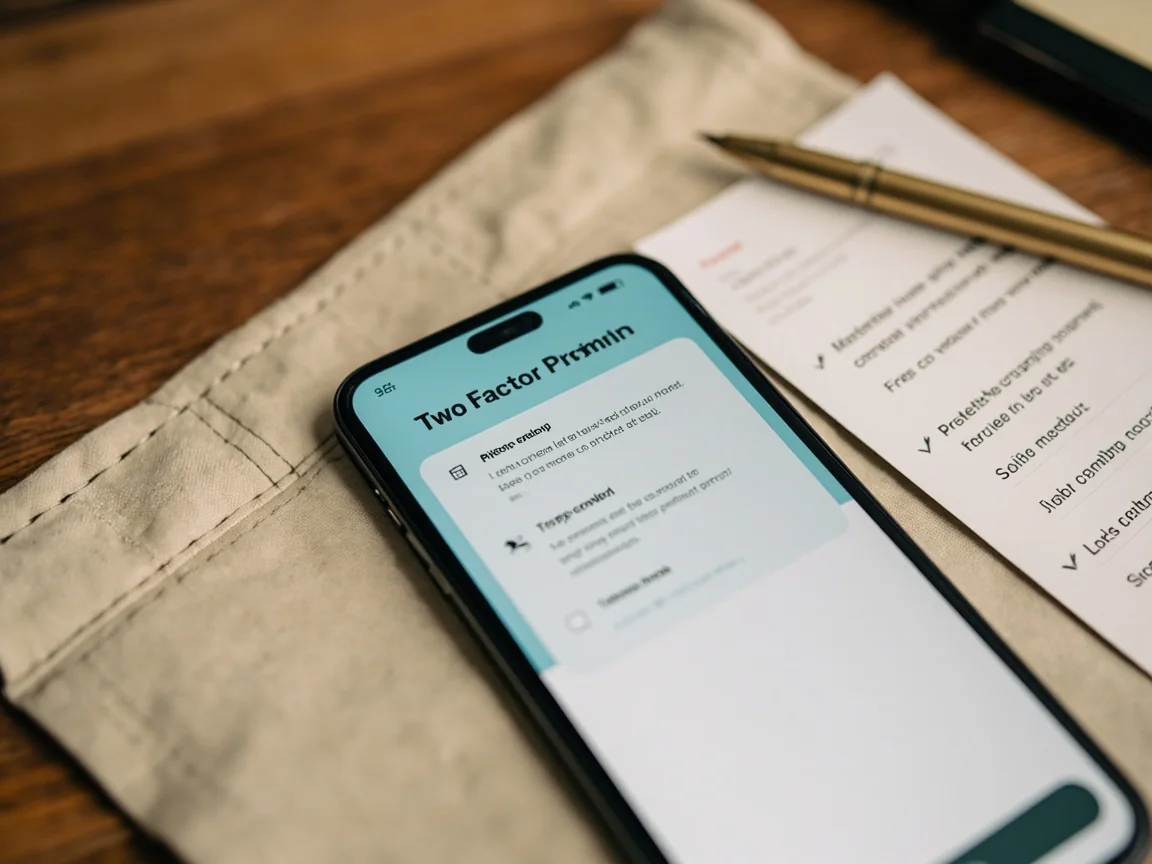
Verify on the help centre
Document types and review windows are published by playnow in the help centre. The list above is a typical framework, the exact documents required may differ by jurisdiction and account history.
playnow publishes a stated review window for withdrawals. The actual time depends on your payment rail, KYC status and the support queue at the moment you request.
| Stage | What happens | Typical time |
|---|---|---|
| Request raised | You submit a withdrawal request from the dashboard | Immediate |
| Internal review | playnow checks KYC, bonus terms and account history | Stated window |
| Rail transfer | Funds move to your bank, UPI or card | Depends on rail |
| Confirmation | You receive a confirmation and a reference number | Email or SMS |
- Open a ticket. Use the customer support channel published in the operator's footer. Keep the reference number.
- Wait for the stated window. Most tickets resolve inside the operator's published window. If not, escalate.
- Escalate by email. If the chat queue does not respond, send an email to the operator's published address and reference the original ticket.
- Document everything. Save the ticket number, the screenshot of the conversation and the email reply. You will need this if you raise the matter with your bank or the regulator.
- Read the responsible-play page and set a deposit limit.
- Open the help-centre KYC page and confirm the document list.
- Read the help-centre page for the offer you intend to use (if any).
- Note the published withdrawal review window.
- Save the customer support channels from the operator's footer.
How long does KYC take?
playnow publishes a stated review window. The exact window depends on document quality and account history. Read the help-centre page for current figures.
How long does a withdrawal take?
The operator publishes a stated review window. The actual time depends on your payment rail, KYC status and the support queue at the moment of request.
What if a ticket is unresolved?
Escalate by email with the original ticket reference. If still unresolved, raise the matter with your bank or the regulator.
Should I enable two-factor?
Yes. Two-factor authentication is the cheapest defence against credential theft. Enable it after your first deposit.
How do I revoke a session?
The active sessions list is on the account dashboard. Revoke anything you do not recognise and reset your password immediately.
Where do I find the customer support channels?
The customer support page on this site mirrors the channels we have verified. Everything else is signposted to the operator.
The two minutes before you deposit are worth more than the two minutes after.
Set a deposit limit. Read the rule summary. Then sign in.